Detection-Engineering

How to standardize, audit, and automate detection-tuning requests in Elastic using Kibana Cases, custom fields, runtime/ES|QL queries, an...

Defensible detection-tuning with Kibana Cases: a DFIR how-to

4n6 Beat
6 min read

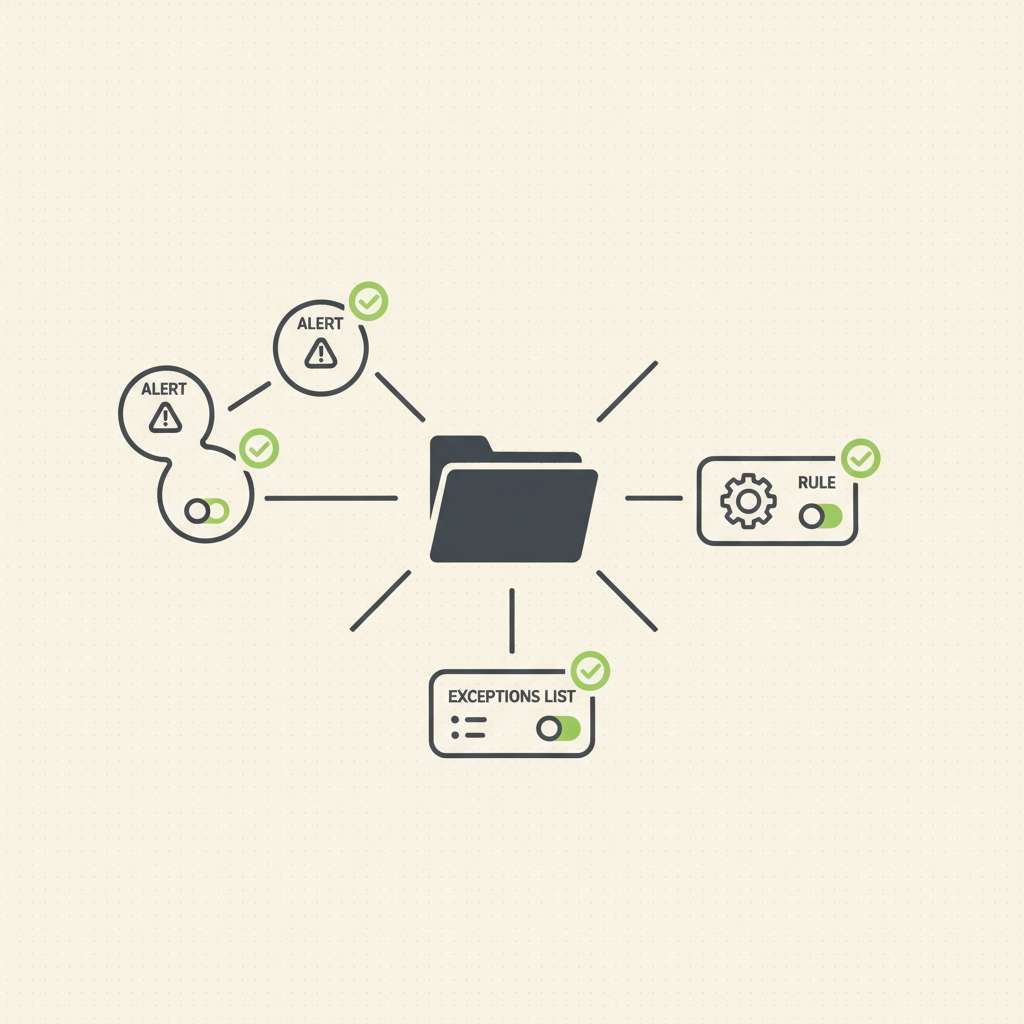
Elastic Security Labs published a workflow on December 5, 2025 that shows how to automate detection-tuning requests with Kibana Cases, using custom fields, a detection to watch for toggled requests, and a webhook to create tickets and add links back to the case (Elastic Security Labs, 2025-12-05).

Overview

Kibana Cases lets you open, track, and enrich investigations with alerts, comments, files, visualizations, and external tickets via connectors such as ServiceNow, Jira, Slack, and webhooks (Cases overview, connector catalog). Custom fields for Cases (text/toggle) were added in Elastic 8.15, enabling standardized “tuning requested?” switches captured directly in the case form (custom fields in settings, Security app settings). You can attach alerts to cases from the Alerts UI or create a case from an alert, ensuring the detection context travels with the request (create/manage cases and attach alerts).


Microsoft’s Nov 11, 2025 updates fix 63 CVEs and an in‑the‑wild Windows Kernel race‑condition LPE (CVE‑2025‑62215). Here’s a succinct IR...

CVE-2025-62215: Windows Kernel LPE zero‑day in November Patch Tuesday — what DFIR should collect and detect

4n6 Beat
5 min read

Microsoft’s November 11, 2025 Patch Tuesday addressed 63 vulnerabilities and one actively exploited Windows Kernel local privilege escalation tracked as CVE-2025-62215, a race-condition bug enabling SYSTEM after an attacker wins a concurrency window locally. Microsoft credits MSTIC and MSRC for discovery, and the flaw is rated CVSS 7.0 (important) with active exploitation confirmed. DFIR teams should expect this to be used post-compromise to elevate from a low-priv foothold. Patch fast, and hunt for privilege jumps and follow-on activity. BleepingComputer, The Hacker News, Tenable, NVD.

Scanners are sweeping web servers for /.git, /.github, GitLab CI, SVN, and S3/AWS paths. This playbook shows how to hunt the requests in...

IR Playbook: Hunting Automated Probes for Exposed Repositories and Cloud Paths

4n6 Beat
5 min read

On November 8, 2025, the SANS Internet Storm Center reported honeypot hits probing common repository and cloud-related paths, including /.git/logs/refs/remotes/origin/main, /.git/objects/info, /.github/* (such as dependabot.yml), /.gitlab/*, /.gitlab-ci, /.git-secret, /.svnignore, and cloud-y paths like /aws/bucket, /s3/backup, /s3/bucket, /s3/credentials (ISC Diary). If any of these return 200s, you may be serving source, CI config, or credentials. The rest of this post walks through a fast, repeatable response.

Intrusion Flow

  • Recon and probing: Automated clients request telltale repo/CI paths such as /.git/HEAD, /.git/config, .github/*, .gitlab-ci*, .svn/*, or /s3/* looking for misdeployments (PortSwigger, GitHub Docs: dependabot.yml location, GitLab CI YAML).
  • Exploitation if exposed: If /.git/ is reachable, attackers can reconstruct history via targeted downloads (e.g., /.git/HEAD, refs, objects) or off-the-shelf dumpers (arthaud/git-dumper, GitTools). Advisory sites treat exposed VCS dirs as source disclosure risks (Acunetix on .git).
  • Post-exploitation: Harvest secrets embedded in history or CI files using secret scanners; leaked tokens often enable cloud pivots (Gitleaks, TruffleHog).
  • Cloud angle: Attackers also test S3 naming or credential endpoints; your guardrail here is account/bucket-level S3 Block Public Access-on by default for new buckets since April 28, 2023, and recommended broadly (AWS Prescriptive Guidance, S3 BPA user guide, AWS announcement).

Key Artifacts to Pull

  • Web access logs from the serving tier (reverse proxies, WAFs, app servers):
  • Server configs for containment validation:
    • NGINX: location ~ /\.(?!well-known) { deny all; } is a common pattern to block dotfiles while allowing ACME challenges (Bolt CMS nginx example).
    • Apache: <FilesMatch "^\."> Require all denied </FilesMatch> blocks dotfiles (Apache core / ).
  • Evidence if exposure occurred:
    • Sample served files (e.g., /.git/HEAD, /.git/config, .gitlab-ci.yml) for scoping; prefer capturing over the wire evidence and hash it in your case notes.
    • HTTP status codes context: 200 means the resource was served; 403 means refused; 404 means not found (MDN 200, MDN 403, MDN 404).

Detection Notes

The goal is to quickly identify requests to risky repo/CI/cloud paths and prioritize 200s.