4N6 BEAT

Hands-on guidance to operationalize FTK Imager Pro’s new BitLocker decryption during imaging and iOS logical/advanced logical collection,...

FTK Imager Pro adds BitLocker‑decrypted imaging and iOS advanced logical: a DFIR how‑to

4n6 Beat
7 min read

Exterro has introduced FTK Imager Pro as a paid add-on to the longstanding free FTK Imager, bringing BitLocker decryption during imaging and iOS logical/advanced logical collection while keeping the free edition available; the Pro and Free editions share the same download with license-gated features, and the Pro subscription is currently listed at $499 USD. Android acquisition is “on the roadmap,” according to Exterro’s public remarks on a recorded interview. (Forensic Focus transcript, Nov 24, 2025; Exterro FTK Imager Pro store page).

Hands-on guide for DFIR teams to safely adopt YARA-X 1.10.0’s new automatic warning fixer, with installation notes, usage patterns, valid...

YARA-X 1.10.0: Using “yr fix warnings” to auto-correct brittle rules

4n6 Beat
4 min read

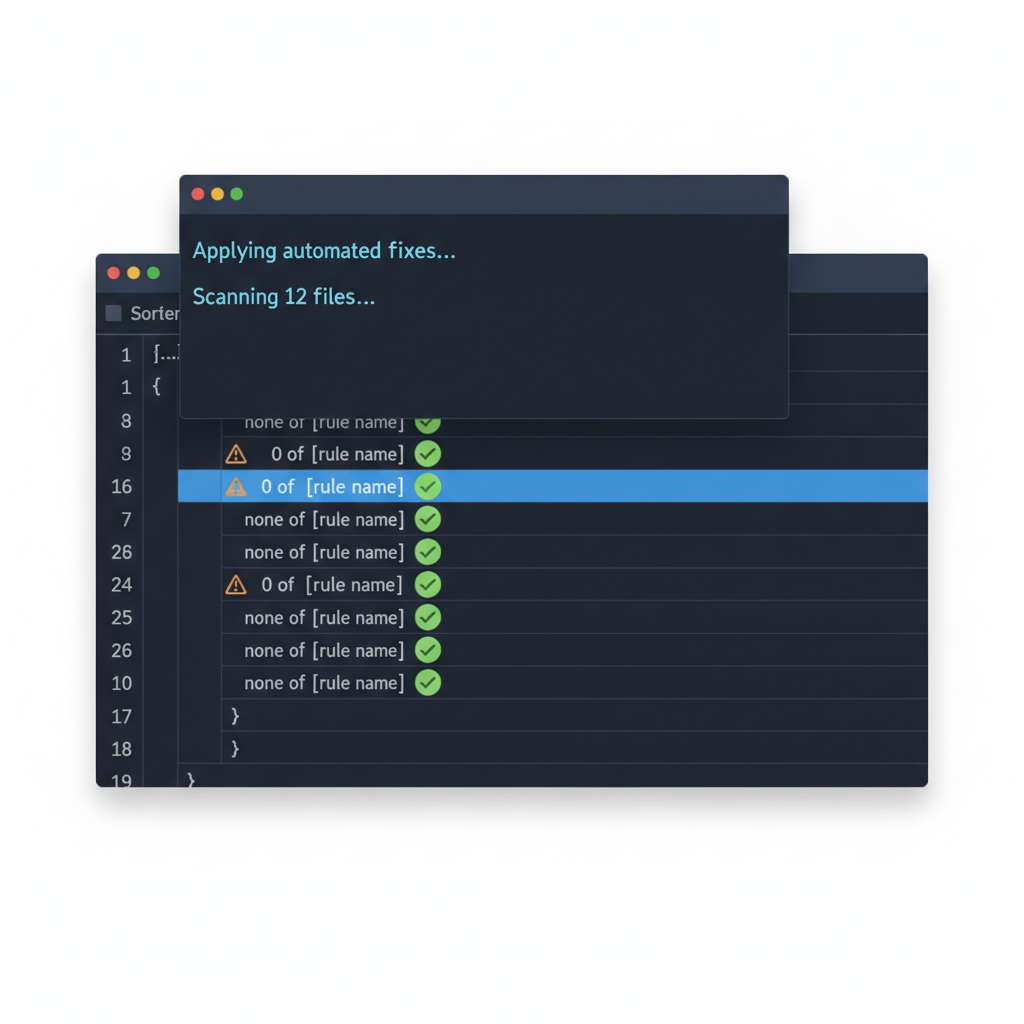
YARA-X 1.10.0 adds a new subcommand that can automatically apply suggested fixes for certain compiler warnings. The command is invoked as yr fix warnings, and one common transformation replaces ambiguous 0 of (...) conditions with explicit none of (...). The tool edits your rule files in place, so use version control or work on copies first. (github.com)

Overview

YARA-X is a Rust rewrite of YARA with a modern CLI named yr. It targets high compatibility with existing rules while improving performance, safety, and developer ergonomics. (github.com)

GitHub has shut off classic npm tokens and tightened rules around granular tokens. Here’s how to triage failures, hunt for exposure, and...

npm classic tokens are over: IR guidance for revocations, 2FA, and short‑lived credentials

4n6 Beat
5 min read

On November 5, 2025, GitHub disabled creation of classic npm tokens and tightened controls on granular tokens; write-capable granular tokens now enforce 2FA by default and are limited to a maximum 90-day lifetime, with a seven-day default for new write tokens. GitHub also indicated that local publishing sessions would shift to two-hour tokens, and initially targeted November 19 for revoking all remaining classic tokens. Validate the current cutoff in your environment-GitHub’s community channel noted a possible shift to December 9 to coincide with CLI improvements-then proceed as if long-lived classic credentials are dead and rotation is mandatory. (GitHub Changelog, Nov 5, GitHub Changelog, Sep 29, GitHub Community discussion, Nov 13). (github.blog)

Trend Micro shows how low-code automation plus LLMs and deepfakes can mass-produce scams. This incident-response playbook maps the intrus...

AI-Powered Scam Assembly Lines: What DFIR Teams Should Hunt and How to Respond

4n6 Beat
5 min read

Trend Micro’s latest research reconstructs an end-to-end “scam assembly line” where threat actors chain large language model (LLM) lure generation, synthetic voice/video, and low-code automation (n8n) to spin up convincing phishing and merchandise scams at scale with minimal effort. The demo highlights modular pipelines that can swap prompts, assets, and delivery channels while hiding behind disposable infrastructure and cloud services (Trend Micro, Nov 18, 2025).

Intrusion Flow

Key Artifacts to Pull

  • Email and messaging
  • Web infrastructure
  • Synthetic media
    • Original audio/video files when available; obtain transcoding logs from comms platforms; evaluate for liveness/clone indicators per emerging techniques (e.g., real-time clone detection and watermarked provenance described in FTC challenge winners) (FTC consumer alert).
  • Automation backends (self-hosted n8n or similar)
    • If your environment runs n8n, collect workflow JSON, execution logs, credentials vault exports, environment variables, and API audit logs. The public REST API exposes workflow administration; disable if unused and scope API keys tightly (n8n API docs; disable public API guidance).
    • Validate patch levels against recent n8n CVEs that could aid takeover or phishing distribution, such as open-redirect in login (<1.98.0), DoS via binary-data endpoint (<1.99.0), stored XSS in LangChain Chat Trigger (<1.107.0), symlink traversal in file node (<1.106.0), and RCE via Git node pre-commit (<1.113.0) (NVD CVE-2025-49592; CVE-2025-49595; CVE-2025-58177; CVE-2025-57749; CVE-2025-62726).

Detection Notes

  • Cluster the infrastructure, not the copy
    • Prioritize hunts for NRDs and lookalikes seen in email and web logs within their first 72 hours; many phishing domains die in under two days, so velocity detection matters (Spamhaus 48-hour activity finding).
  • Example Splunk: clicks to NRDs (domain age < 7 days) from mail links
    index=proxy OR index=web (http_status=200 OR http_status=302)
    | eval host=coalesce(cs_host, dest_host, uri_host)
    | lookup whois_domains domain as host OUTPUT domain_age_days
    | where domain_age_days <= 7
    | stats count dc(src_ip) dc(user) values(referer) by host
    | sort - count
    
  • Example pDNS pivot: fast-flux / low-TTL clusters
    -- Pseudo-SQL over PDNS
    SELECT qname, count(DISTINCT rrdata) AS ips, min(ttl) AS min_ttl,
           count(DISTINCT resolver) AS resolvers
    FROM pdns WHERE first_seen > now() - interval '48 hours'
    GROUP BY qname HAVING ips >= 10 OR min_ttl <= 120 ORDER BY ips DESC;
    
    Use ASN and nameserver co-occurrence to fingerprint rotating hosting and kit reuse (Bitsight fast-flux traits).
  • Voice/phone fraud signals
    • Blend call intelligence with IT telemetry (voice events + subsequent login attempts or payment flows); vendors observed rising deepfake call losses in late 2024 (Hiya report summary). U.S. enforcement has made AI-voice robocalls illegal, aiding attribution and disruption (AP on FCC action).
  • Model/agent risk in your stack

Response Guidance

  • Triage fast, contain faster
    • Quarantine endpoints that interacted with suspected NRDs/lookalikes; block and sinkhole the domain cluster and any shared IPs/NS immediately to beat the 48-hour churn (Spamhaus short-lived domain analysis).
  • Eradicate pipeline footholds
    • If n8n (or similar) is present internally, rotate API keys, disable the public API where unused, and patch to remediate recent CVEs; export workflow JSON for IR timelines and disable active lures (n8n API; disable public API; NVD/GitLab advisories).
  • Takedown and legal levers
    • Submit abuse to registrars/hosts with evidence of brand impersonation, fast-flux indicators, and victim impact. For AI-voice robocalls, cite the FCC prohibition when engaging telecom partners and state AGs to expedite blocks and civil actions (AP on FCC ban).
  • Harden controls for the next wave
    • Enforce NRD/“confusable” domain blocks or holds at the gateway; several providers support lookalike and scam categories to preempt clicks (Cloudflare brand impersonation defenses; Cloudflare Gateway “Scam” category).
    • Sandbox or disable AI auto-summarization on untrusted content; adopt allow-lists and content provenance where available (CISA secure AI use).
    • Train helpdesk/finance to challenge-response on voice instructions; FTC guidance highlights real-time liveness/clone detection and watermarking concepts that can be integrated into call flows (FTC consumer alert).

Takeaways

  • Hunt infrastructure clusters: NRDs, lookalikes, and fast-flux indicators are your highest-leverage pivots in the first 48 hours (Spamhaus; Bitsight).
  • Treat low-code orchestrators as Tier-1 assets: lock down n8n APIs, rotate credentials, and patch recent CVEs before they become distribution points (n8n docs; NVD/GitLab).
  • Don’t trust “smart” summarizers by default: indirect prompt injection against AI assistants is practical; sandbox or disable on untrusted mail/web (Gemini finding via 0Din; CISA).
  • Use telecom and legal levers early for voice-clone fraud; the policy environment now supports faster blocking of AI-voice robocalls (AP on FCC rule).
IR playbook for investigating and containing the KongTuke (aka LandUpdate808/TAG‑124) lure using fake CAPTCHA + ClickFix clipboard inject...

KongTuke/TAG‑124 fake CAPTCHA → ClickFix chain drops Python payload via PowerShell

4n6 Beat
5 min read

SANS ISC documented a fresh KongTuke lure on November 18, 2025 that uses a fake CAPTCHA page and a ClickFix-style clipboard injection to run a PowerShell one-liner, which pulls a ZIP containing a malicious Python script and a bundled Windows Python runtime. Post-infection artifacts land under AppData\Roaming\DATA with persistence via a Scheduled Task; IOCs include multiple paths on 64.111.92[.]212:6655 and later HTTPS to telegra.ph, which itself is legitimate infrastructure often abused as an intermediary. See the primary diary for details and hashes (SANS ISC).

A concise IR playbook for the FortiWeb auth‑bypass now in the wild and a quick win for detecting ClickFix lures abusing finger.exe (TCP/79).

FortiWeb CVE-2025-64446 is being mass‑exploited; hunt for admin impersonation and ClickFix over finger.exe

4n6 Beat
4 min read

Fortinet has acknowledged active exploitation of a FortiWeb GUI path traversal that lets an unauthenticated attacker reach a CGI endpoint and impersonate users, including admins, to run privileged actions such as creating new administrator accounts (CVE-2025-64446) (Fortinet PSIRT FG-IR-25-910; NVD entry). SANS ISC’s Stormcast on November 17, 2025 highlighted widespread scanning and recommended treating exposed, unpatched appliances as compromised until proven otherwise (SANS Stormcast 2025-11-17). In parallel, ClickFix lures are leveraging Windows finger.exe to fetch follow-on commands over the legacy Finger protocol, making egress on TCP/79 a simple detection point (SANS ISC diary; BleepingComputer).

DFIR playbook for ClickFix campaigns that abuse Windows finger.exe over the Finger protocol (TCP/79), with concrete artifacts, hunts, and...

ClickFix pivots to finger.exe: how to spot and stop TCP/79 script fetches

4n6 Beat
4 min read

SANS Internet Storm Center reports that current ClickFix campaigns are abusing the built-in Windows finger.exe client to retrieve attacker-hosted scripts over the legacy Finger protocol. The tool isn’t proxy-aware and the destination port is fixed to 79/TCP, which means well-configured explicit egress proxies that block TCP/79 will break this stage. (isc.sans.edu)

Intrusion Flow

  • Initial social engineering. ClickFix pages masquerade as “human verification” or problem/solution flows that preload a command into the clipboard and instruct the user to paste and run it. Recent variants add OS detection, countdown timers, and even video instructions to increase compliance. (bleepingcomputer.com)
  • Fetch via Finger. In the finger.exe-enabled branch, the lure runs a command that uses Finger to pull a remote command stream and then pipes it into a shell for execution (for example, finger user@host | cmd). BleepingComputer documented live samples where the finger output is piped to cmd.exe to stage additional tooling. (bleepingcomputer.com)
  • Payload staging. Observed scripts create working directories, rename built-in utilities (for example, curl.exe) and fetch archives masquerading as benign files, expanding to stealer or RAT payloads. (bleepingcomputer.com)
  • Evolution to FileFix. Some crews now avoid terminals entirely, abusing the File Explorer address bar to execute hidden PowerShell (FileFix) as an evolution of the same idea. Expect the Finger fetch step to be swapped for other low-visibility transports over time. (bleepingcomputer.com)

Key Artifacts to Pull

  • Process execution
    • Windows Security Event ID 4688 with command line (enable “Include command line in process creation events”). Hunt for finger.exe and any pipeline to cmd.exe/PowerShell. (learn.microsoft.com)
    • Sysmon Event ID 1 (ProcessCreate) for C:\Windows\System32\finger.exe and parent lineage (browser → cmd.exe → finger.exe, etc.). (learn.microsoft.com)
  • Network evidence
    • Sysmon Event ID 3 (NetworkConnect) showing outbound TCP connections to remote port 79 with Image ...\finger.exe. (system32.eventsentry.com)
    • Windows Filtering Platform (WFP) events if “Audit Filtering Platform Connection” is enabled: 5156 (allowed) and 5157 (blocked), which include app path, IPs, and ports. (windows-security.org)
    • Host firewall logs (pfirewall*.log) if “log successful connections” and/or “log dropped packets” is enabled. (learn.microsoft.com)
  • Disk artifacts (execution evidence)
    • Prefetch: FINGER.EXE-*.pf under C:\Windows\Prefetch (run count and up to eight last-run timestamps on Win 8+). (magnetforensics.com)
    • Amcache: C:\Windows\AppCompat\Programs\Amcache.hve can record program presence (and sometimes execution metadata); treat it as corroboration, not sole proof of execution. (securelist.com)

Detection Notes

  • Microsoft Defender XDR (Advanced Hunting)
    • Process creation and network join:
      let lookback = 14d;
      let finger_execs = DeviceProcessEvents
        | where Timestamp > ago(lookback)
        | where FileName =~ "finger.exe";
      let finger_net = DeviceNetworkEvents
        | where Timestamp > ago(lookback)
        | where RemotePort == 79 and Protocol =~ "Tcp";
      finger_execs
        | project Timestamp, DeviceName, InitiatingProcessAccountName, ProcessCommandLine, FolderPath, ProcessId
        | join kind=leftouter (
            finger_net | project Timestamp, DeviceName, RemoteIP, RemotePort, InitiatingProcessId, InitiatingProcessCommandLine
          ) on $left.DeviceName == $right.DeviceName and $left.ProcessId == $right.InitiatingProcessId
        | order by Timestamp desc
      
      Uses DeviceProcessEvents and DeviceNetworkEvents schemas. (learn.microsoft.com)
    • Suspicious pipeline usage:
      DeviceProcessEvents
      | where Timestamp > ago(14d)
      | where FileName =~ "cmd.exe" or FileName =~ "powershell.exe"
      | where ProcessCommandLine has "finger " and ProcessCommandLine contains "|"
      
      Back this with network to TCP/79 where available. (learn.microsoft.com)
  • Windows Eventing/Sysmon
    • Enable Security 4688 with command line and Sysmon IDs 1 and 3; filter on Image endswith \\finger.exe and DestinationPort = 79. (learn.microsoft.com)
  • Packet capture/NIDS
    • Finger is TCP/79; on packet tools, filter tcp.port == 79. Zeek has historically provided a Finger analyzer, but check your version and plugin set-many deployments will simply rely on conn.log for port 79 traffic. (iana.org)

Response Guidance

  • Contain egress on TCP/79
    • The attacking step depends on direct TCP/79 to the Internet. Block 79/TCP egress from user segments at your perimeter and host firewalls. This aligns with baseline control guidance to default-deny outbound on endpoints and only allow required services. (isc.sans.edu)
    • Example (local host firewall, admin CMD):
      netsh advfirewall firewall add rule name="Block TCP79 Outbound" dir=out action=block protocol=TCP remoteport=79
      
      Or deploy an outbound port rule via GPO/MDM at scale. (learn.microsoft.com)
  • Proxy design
    • finger.exe is not proxy-aware; in environments with explicit proxies and default-deny egress, the fetch will fail. In transparent proxy setups, ensure port 79 is denied outbound. (isc.sans.edu)
  • Endpoint hardening
    • Where feasible, block or tightly scope finger.exe via AppLocker/WDAC policy (publisher/path/hash rule), while monitoring for operational impact. (learn.microsoft.com)
  • Host triage
    • Isolate the system; collect Security 4688, WFP 5156/5157, Sysmon 1/3, Prefetch, Amcache, and firewall logs. Review the parent chain that launched finger.exe and any subsequent curl/PowerShell activity to determine secondary payloads. (learn.microsoft.com)
  • User comms
    • Re-educate on ClickFix patterns: fake Cloudflare checks, clipboard-injected commands, “Win+R → Ctrl+V → Enter,” and the Explorer address-bar variant (FileFix). (securityweek.com)

Takeaways

  • Add hunts and detections for finger.exe execution and outbound TCP/79 connections; block TCP/79 egress broadly. (isc.sans.edu)
  • Treat any finger ... | cmd/PowerShell pipeline as high-signal and pivot to payload retrieval and persistence checks. (bleepingcomputer.com)
  • Reinforce application control and user training to blunt evolving ClickFix/FileFix social-engineering chains. (bleepingcomputer.com)
Active exploitation of Fortinet FortiWeb CVE-2025-64446 lets unauthenticated attackers reach fwbcgi and impersonate users via a Base64 CG...

FortiWeb CVE-2025-64446: Path Traversal + CGI impersonation yields admin on-box

4n6 Beat
5 min read

FortiWeb CVE-2025-64446: Path Traversal + CGI impersonation yields admin on-box

On November 14, 2025, watchTowr published a hands-on analysis of Fortinet FortiWeb CVE-2025-64446 showing an auth bypass chain: a path traversal to the fwbcgi binary, plus a crafted Base64-encoded CGIINFO header that causes user impersonation and enables privileged actions like creating local admin accounts (watchTowr write-up). Fortinet has issued PSIRT advisory FG-IR-25-910 for CVE-2025-64446, with fixes in 8.0.2 and corresponding maintenance branches; multiple CERTs note active exploitation (CERT-FR bulletin, Canadian Centre for Cyber Security alert, and NVD entry). (labs.watchtowr.com)

Cisco Talos and others report that Kraken now profiles each host to select encryption mode and threading. Here’s a concise IR playbook fo...

Kraken ransomware adds CPU/IO benchmarking—what to hunt before the encryptor runs

4n6 Beat
5 min read

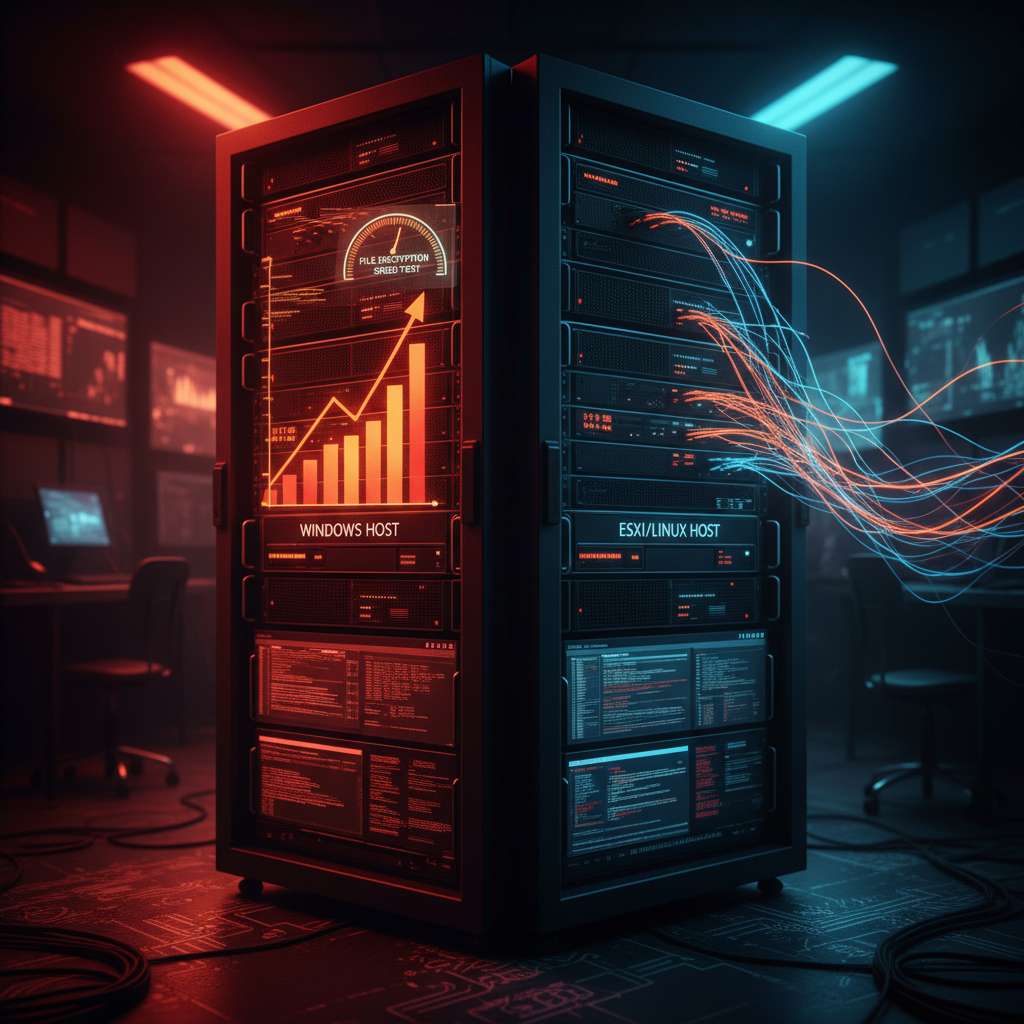
On November 13, 2025, reporting highlighted that the cross-platform Kraken ransomware profiles victim machines first, benchmarking disk/CPU to choose between full or partial encryption and tune threads to avoid tripping resource alarms BleepingComputer. Cisco Talos’ deep dive confirms host-side performance tests via a temporary file and command-line switches, plus distinct encryptors for Windows and Linux/VMware ESXi that append “.zpsc” and drop “readme_you_ws_hacked.txt” Talos. Talos also notes ties to the older HelloKitty operation and a Kraken-hosted forum announcement (“The Last Haven Board”), a link also observed by independent analysis of Kraken’s leak site Talos Cyjax.

Microsoft’s Nov 11, 2025 updates fix 63 CVEs and an in‑the‑wild Windows Kernel race‑condition LPE (CVE‑2025‑62215). Here’s a succinct IR...

CVE-2025-62215: Windows Kernel LPE zero‑day in November Patch Tuesday — what DFIR should collect and detect

4n6 Beat
5 min read

Microsoft’s November 11, 2025 Patch Tuesday addressed 63 vulnerabilities and one actively exploited Windows Kernel local privilege escalation tracked as CVE-2025-62215, a race-condition bug enabling SYSTEM after an attacker wins a concurrency window locally. Microsoft credits MSTIC and MSRC for discovery, and the flaw is rated CVSS 7.0 (important) with active exploitation confirmed. DFIR teams should expect this to be used post-compromise to elevate from a low-priv foothold. Patch fast, and hunt for privilege jumps and follow-on activity. BleepingComputer, The Hacker News, Tenable, NVD.